
Detect phishing. Warn employees. Before credentials are entered.
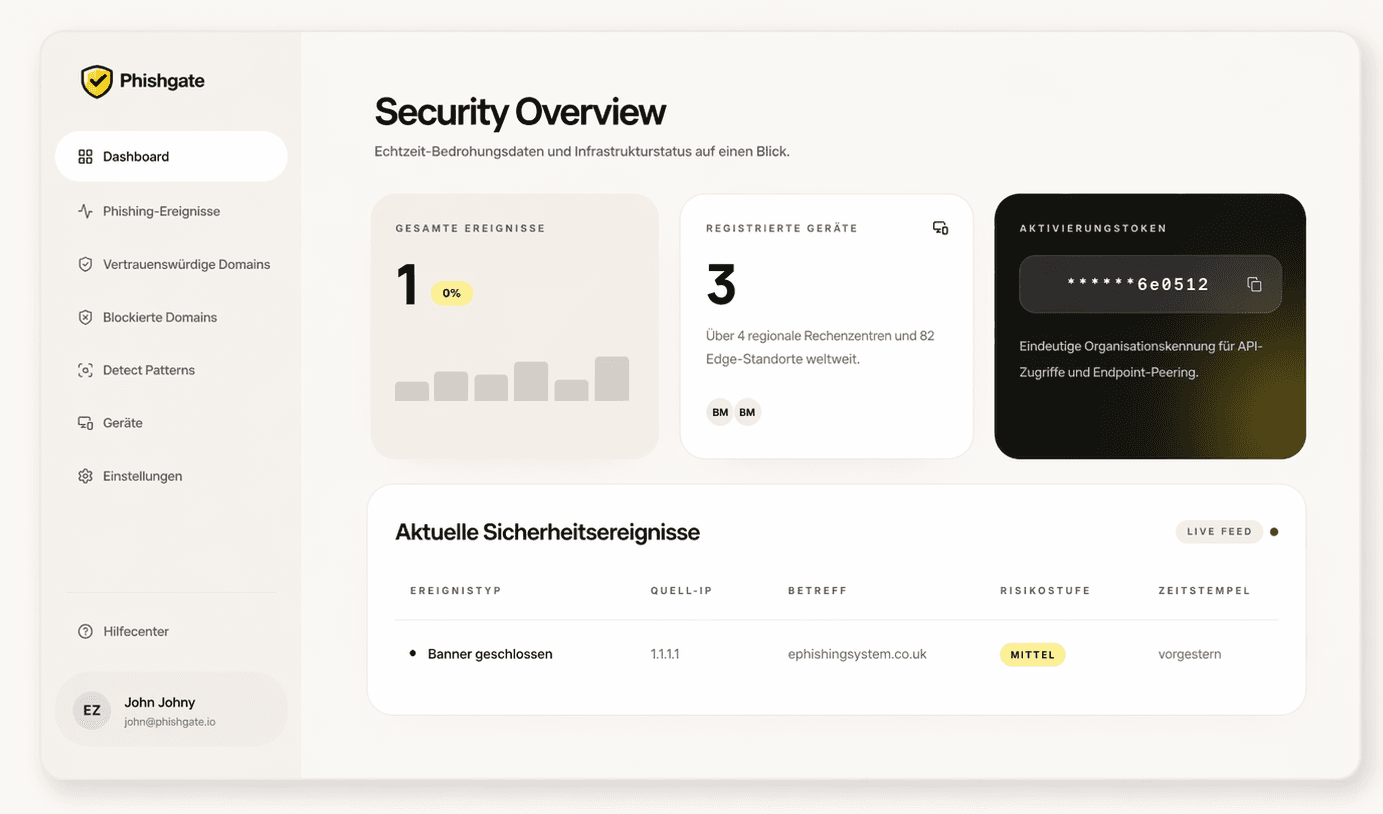
Phishgate warns your employees in real time – directly in the browser and with full visibility in the Security Dashboard.
- Real-time warningRight in the browser
- Complete overviewEvery risk in view
- Privacy firstGDPR compliant
Our customers

Phishgate warns at the critical moment.
Detect Email Phishing Before Credentials Are Lost
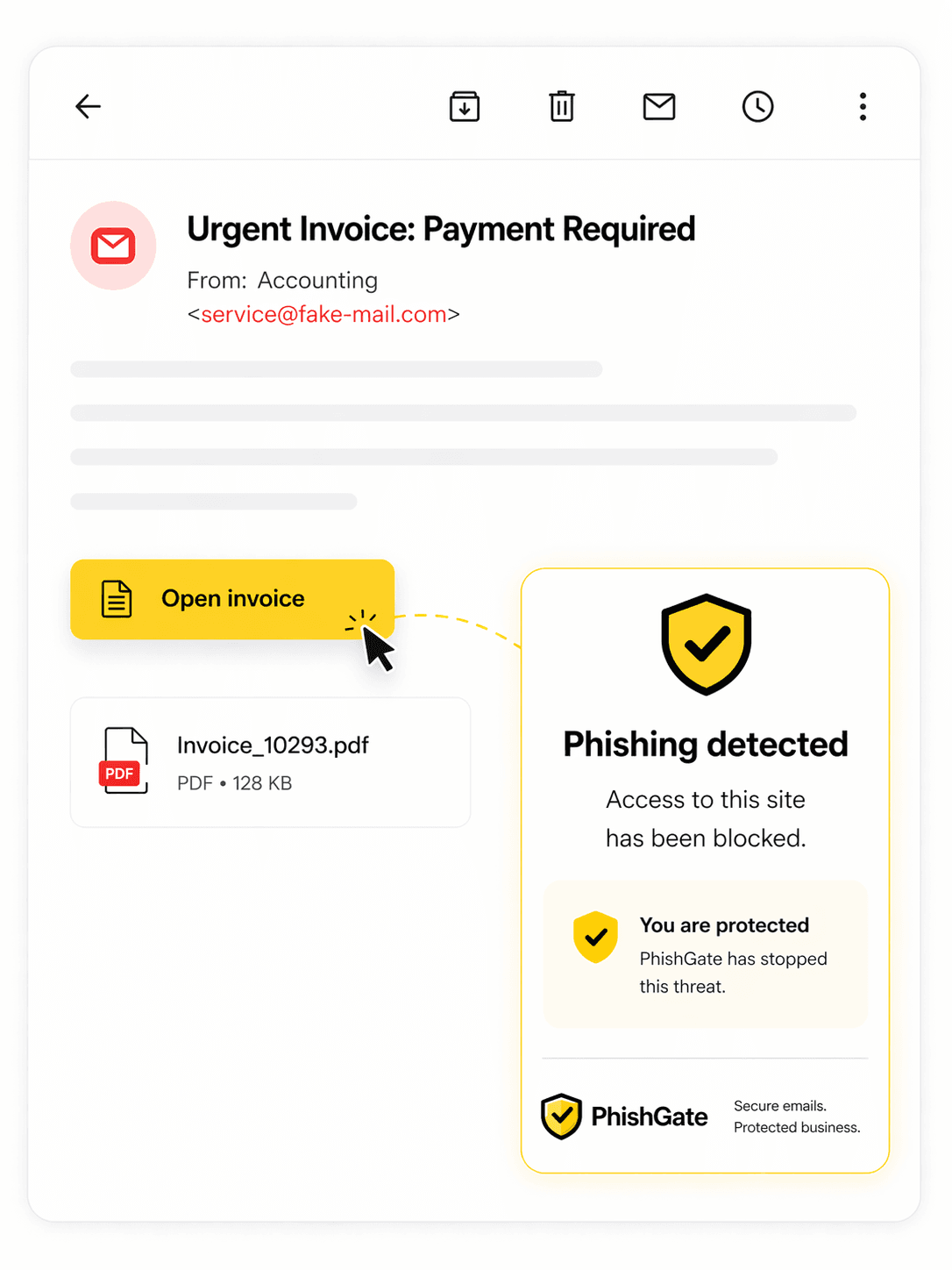
Most attacks start with a seemingly harmless email: an invoice, a form, or an urgent approval. Everything looks legitimate — that's exactly what makes them so dangerous.
Phishgate checks browser pages when password fields are detected. If the domain is neither on your company whitelist nor on the global Phishgate whitelist, employees see a clear warning.
Browser Warnings in Two Steps
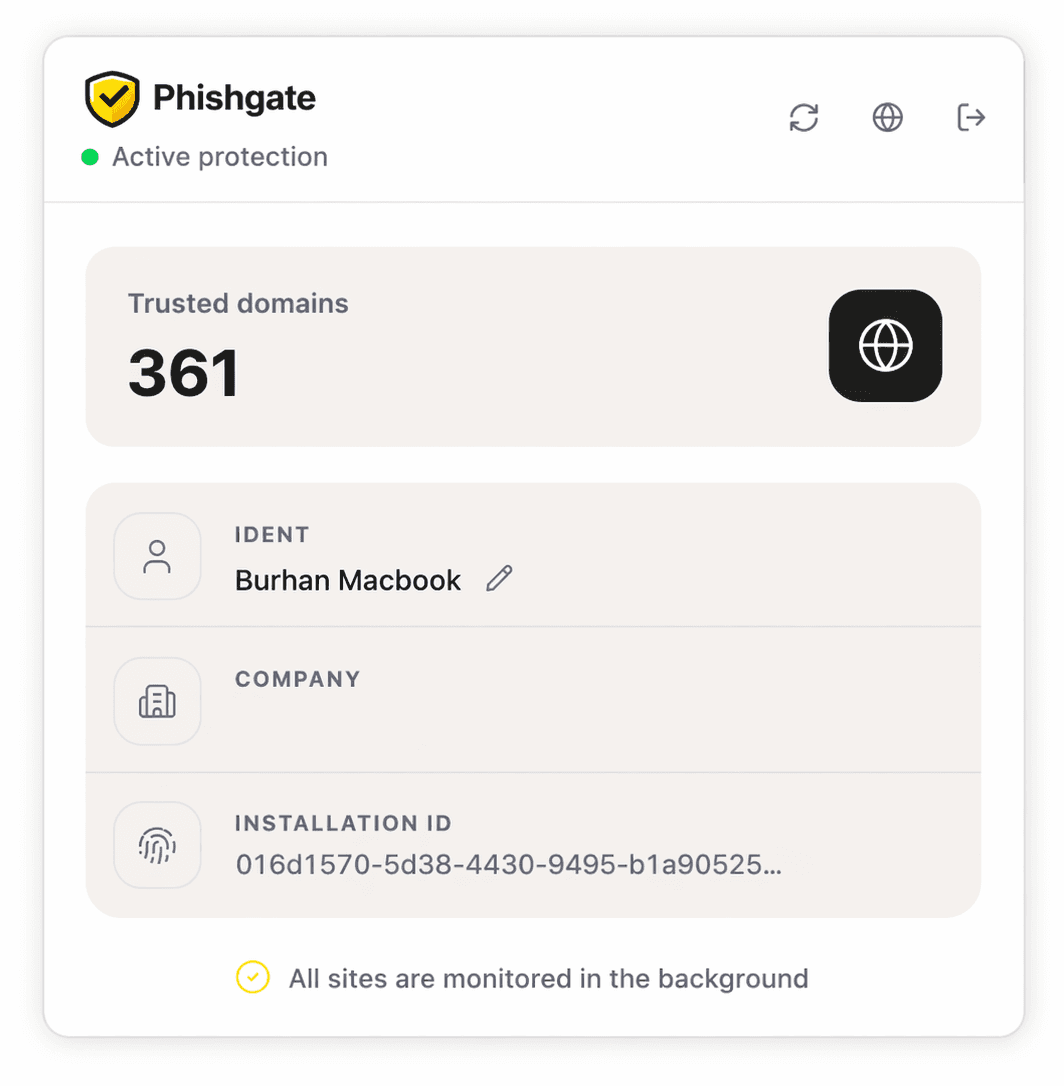
First deploy the extension, then enter the company token. From that point on, Phishgate warns your employees directly in their daily work.
1. Install
Deploy the Phishgate browser extension centrally via GPO/MDM or make it available directly through browser stores. This way the rollout is done quickly and cleanly integrated into your existing processes.
2. Enter Token
Enter the company token once. Phishgate is then active and supports your employees exactly in the moment when a suspicious page becomes a risk — without extra effort in day-to-day business.
Whitelist Logic That Combines Security and Flexibility.
Phishgate knows approved business tools and treats unknown sites with extra caution. This reduces the risk of credentials being entered on wrong or malicious sites.
Whitelist Logic
More than 200 important business tools such as Microsoft, Google, Adobe and other well-known business tools are already on the whitelist in Phishgate by default. This saves you work and the most important services are approved from day one. You can add your own internal applications at any time in the admin area.
Request Access
Phishgate checks exactly where risk appears: password fields are stored as patterns by default, and your admin defines additional detect patterns. This gives you full control over which pages are checked. Employees can request access, skip warnings in LOW Mode, or report a page as suspicious.
Block Unknown Sites
Sites that are not approved or are classified as risky can be blocked more strongly in FULL Mode. Management is done centrally in the admin area. This reduces risk significantly and allows you to cleanly approve legitimate exceptions at any time.
Access Restricted
This domain is not approved in your company. Phishgate warns before password entry; in FULL Mode, access is blocked in the browser.
Simple in Use. Strong as a Warning Layer.
Phishgate works in the background and warns only when a login on an unapproved domain becomes risky. Important business tools are already approved so daily work runs smoothly. At the same time, you retain full control in the admin panel over approvals, blocks, and responses to suspicious activity.
- Quickly deployed and easy to manage
- Warnings only on truly relevant pages
- Important business tools already approved
- Approvals and blocks centrally in the admin panel
- Reports and audit logs for fast response
Simple & Transparent Pricing
No hidden costs. Easy to calculate for teams and flexible for individual requirements.
Cancel monthly at any time. No minimum term.
Custom Quote
For teams with 50+ employees, special rollouts or individual requirements, we create a suitable offer with discounted prices.
Ready for Stronger Phishgate Warnings?
One token. One click. A strong browser warning layer.
Frequently Asked Questions
Everything you need to know about Phishgate as a browser warning layer.
01What is Phishgate?
Phishgate is a browser extension for Chrome, Firefox and Edge that warns employees when password fields appear on unapproved domains. LOW Mode allows skipping, FULL Mode blocks more strongly in the browser; it is not a 100% protection promise.
02How does Phishgate detect email phishing?
When an employee clicks a link, Phishgate checks the target page in the browser for password fields and compares the domain against the company whitelist and the global Phishgate whitelist.
03What happens with an unapproved website?
Phishgate immediately displays a browser warning. In LOW Mode employees can skip it; in FULL Mode the browser block is stronger. They can still request access or report the page as phishing.
More Questions
Here users find additional detailed questions about rollout and browser support.
+2
More Questions
Here users find additional detailed questions about rollout and browser support.
04Is installation complicated for IT admins?
No. There is a one-time base fee and a central company token. The extension can be distributed to all employees in seconds via GPO or MDM.
05Which browsers are supported?
Phishgate is available as an extension for Google Chrome, Mozilla Firefox and Microsoft Edge.